Manage your segments
Navigate to the segments screen
A new item is available on the dashboard navigation menu that redirects you to your segments list
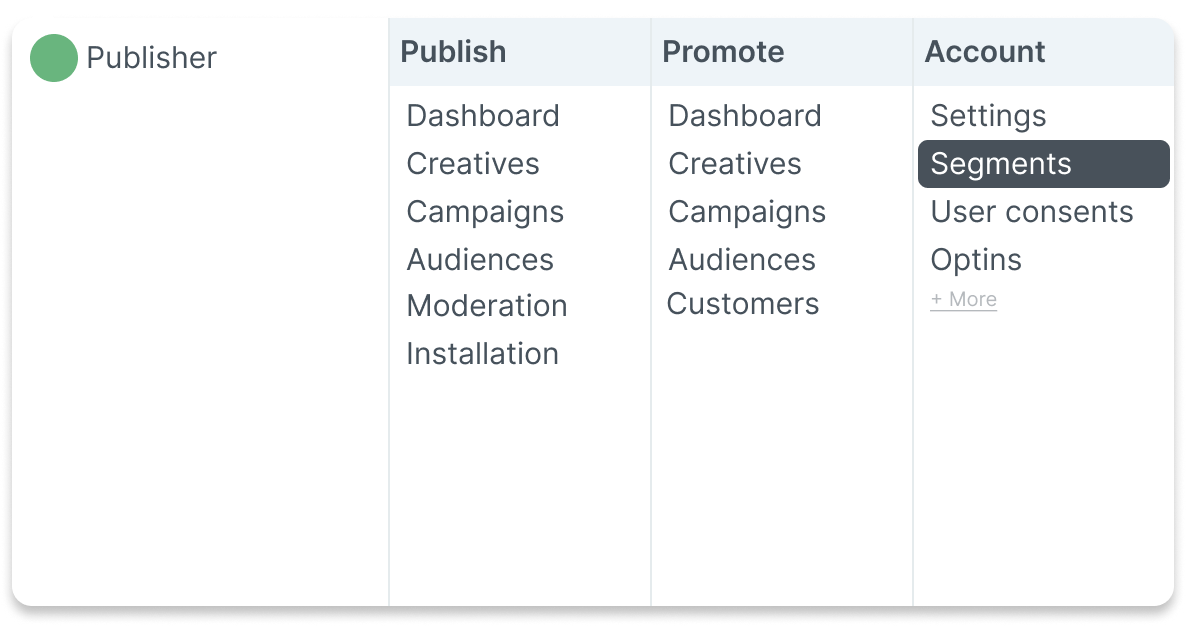
Manage your segments from the main list
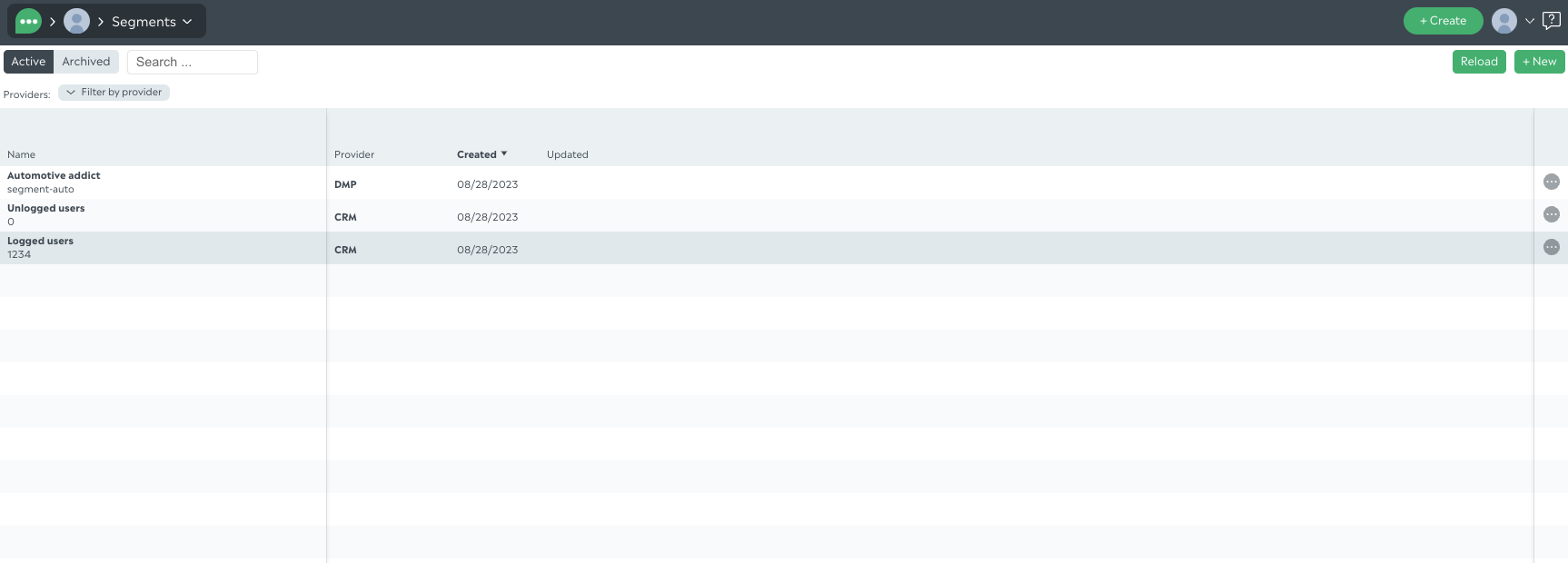
The list contains your segments.
Segments can be archived for cleaning purpose in your list and usages; you can filter this status. A filter by provider and a search input are also available from the list.
From that list, you can add and manage your own segments by creating them from scratch. We need to know:
the name you give to that segment to recognize it
the ID you have on your website that flags the web user as part of this segment
the provider of that segment. This information is optional; filling it will help you for segments reusability in audiences and will give more transparency for the segment usage of the accounts you share your segments with.
Clicking on + New button allows you to add multiple segments at a time:
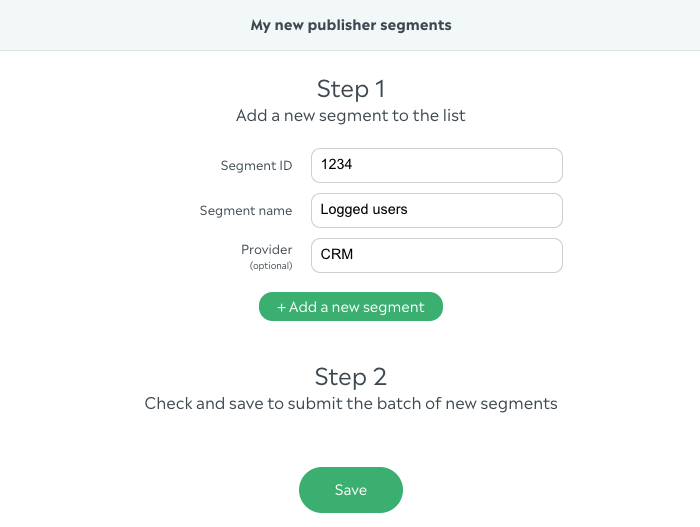
Fill your segments information, add as many segment as you need to work with:
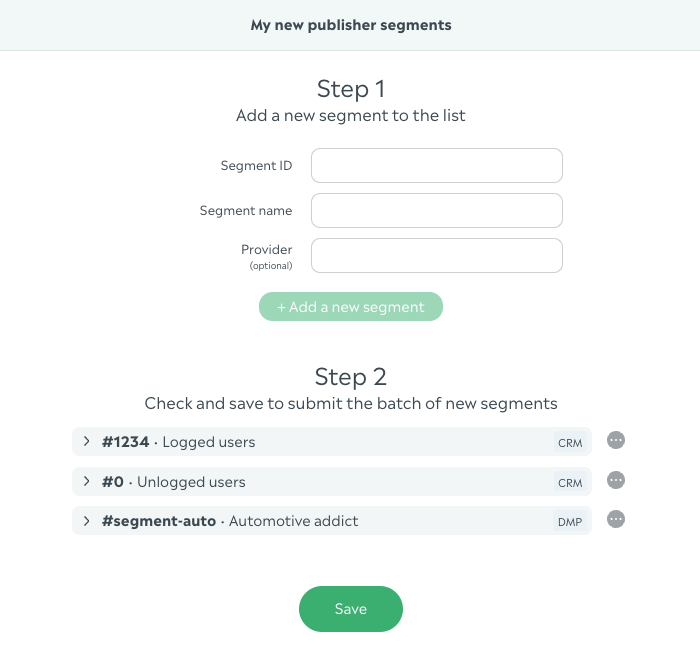
You will be able to update these segments after saving, if needed
If this process is too manual, please send a request to your account manager with a segments list including the details you want to provide (id, name, provider) and we will manage to ingest it for you automatically in your account