Push Collective Audience data to Zapier
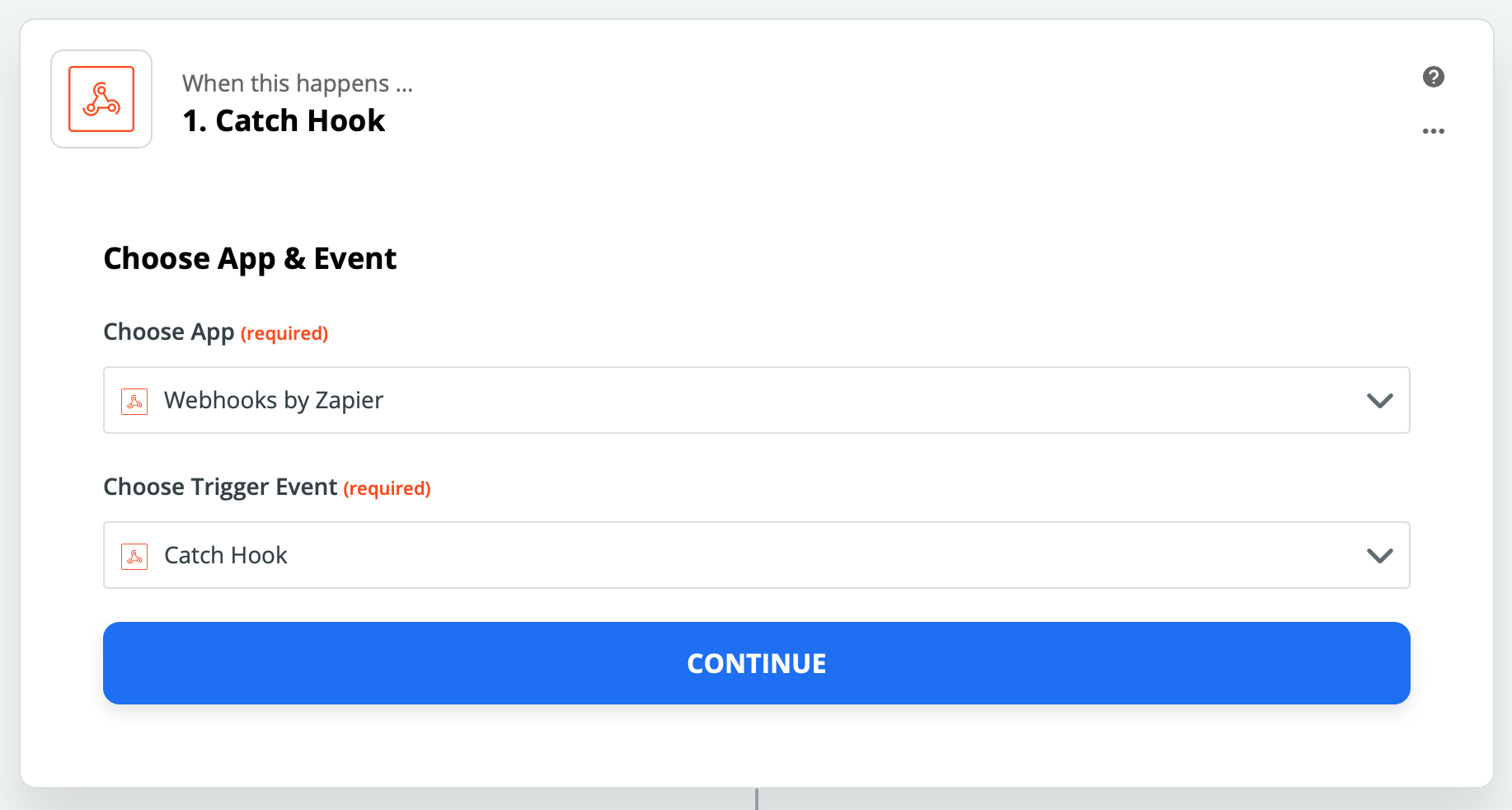
First, you need to create a Catch Hook in your Zap as data-entry.
You should get an endpoint URL at this point:
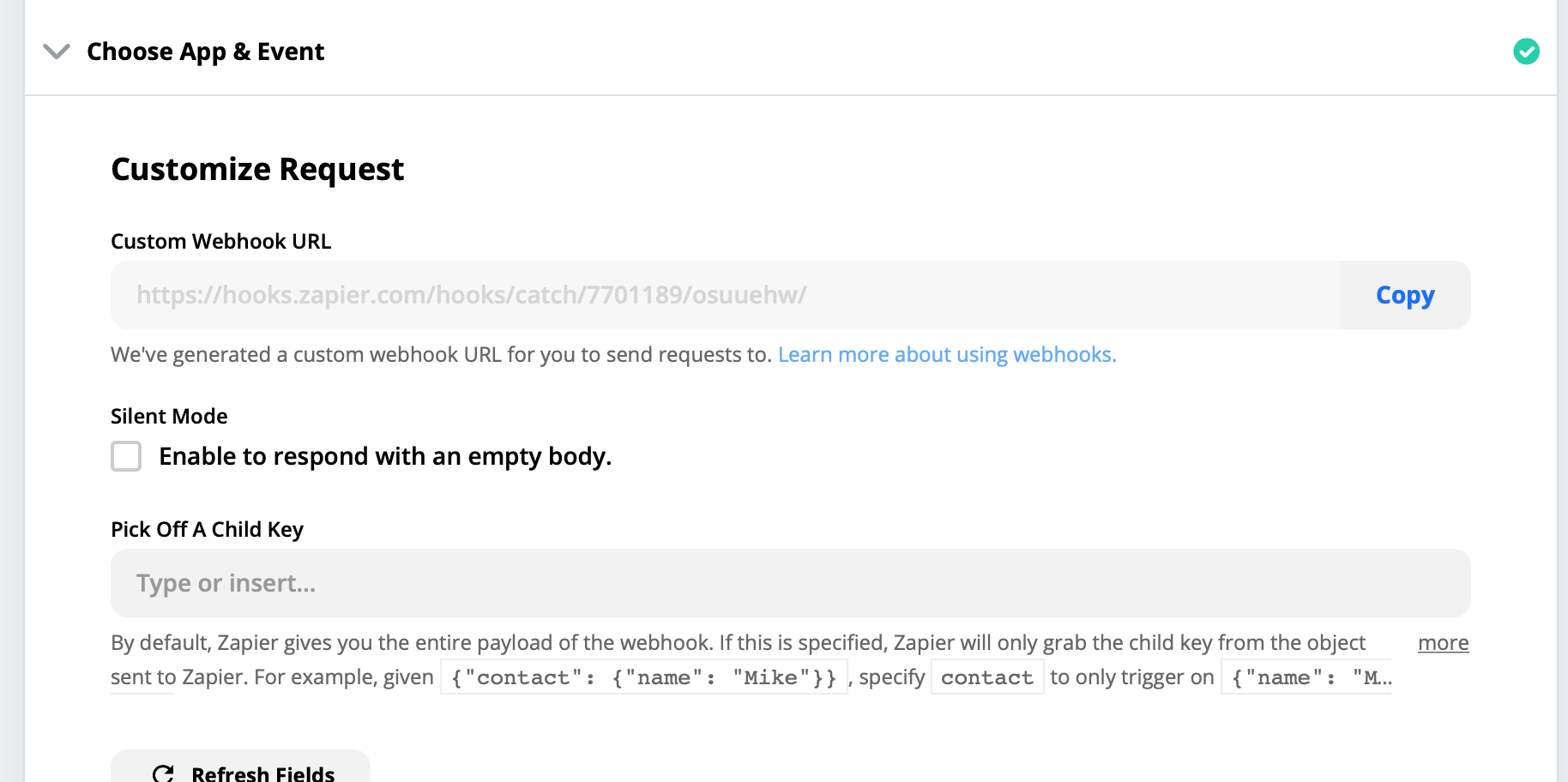
Copy this URL.
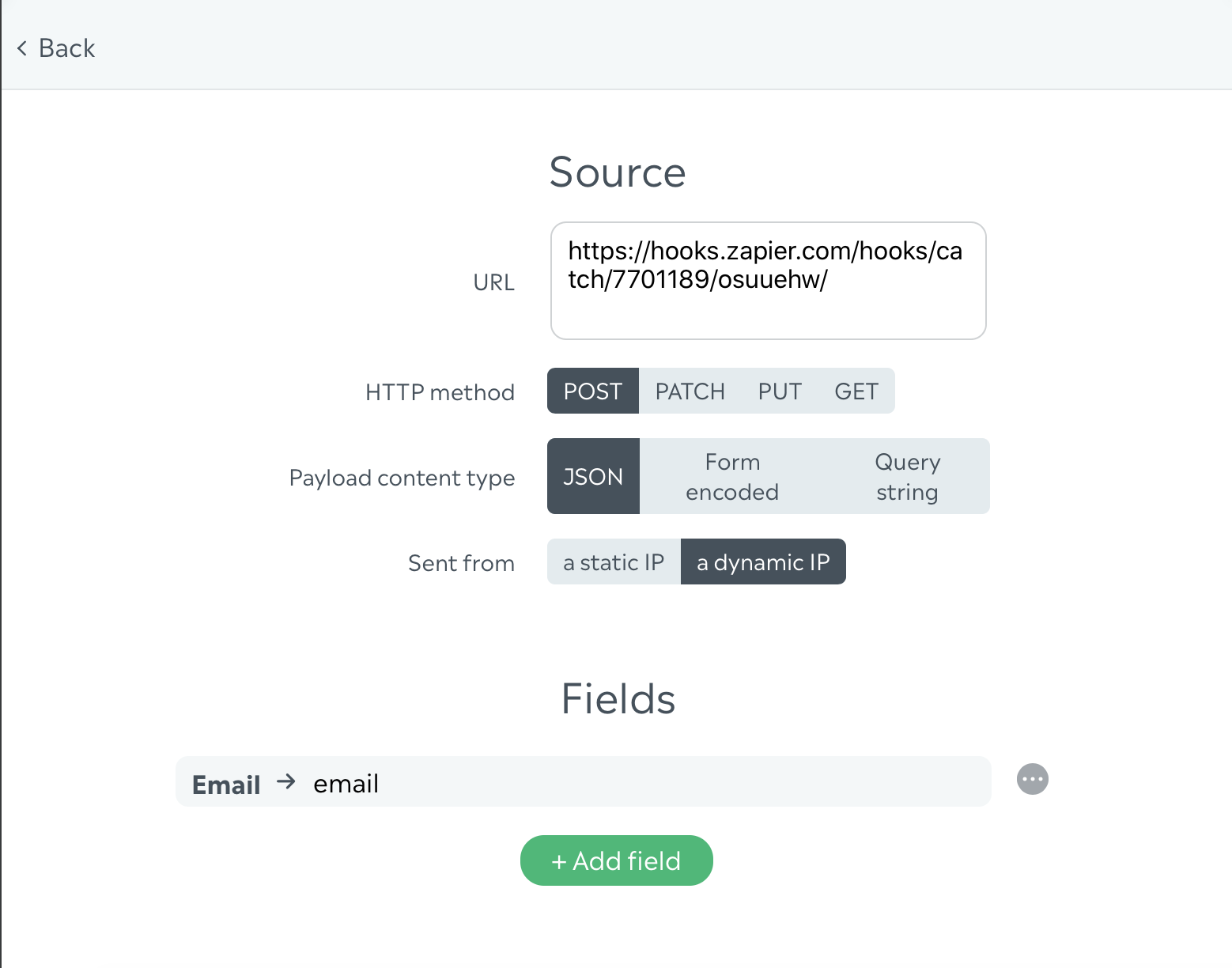
Now, go to the Collective Audience™ dashboard, in the creative you want to get data from, and scroll to the"Webhooks" (→ webhooks) section.

Click on "Add Webhook", and do the following:
Paste the URL from Zapier
Select "POST" as HTTP method
Select "JSON" as Payload content type
Add the fields you want to collect
Save your Webhook
Save your creative
Then, try fill your creative with some data in the preview, that'll let Zapier learn the shape of the data Collective Audience™ sends to it.
Go back to Zapier, and click the "Test trigger" button.
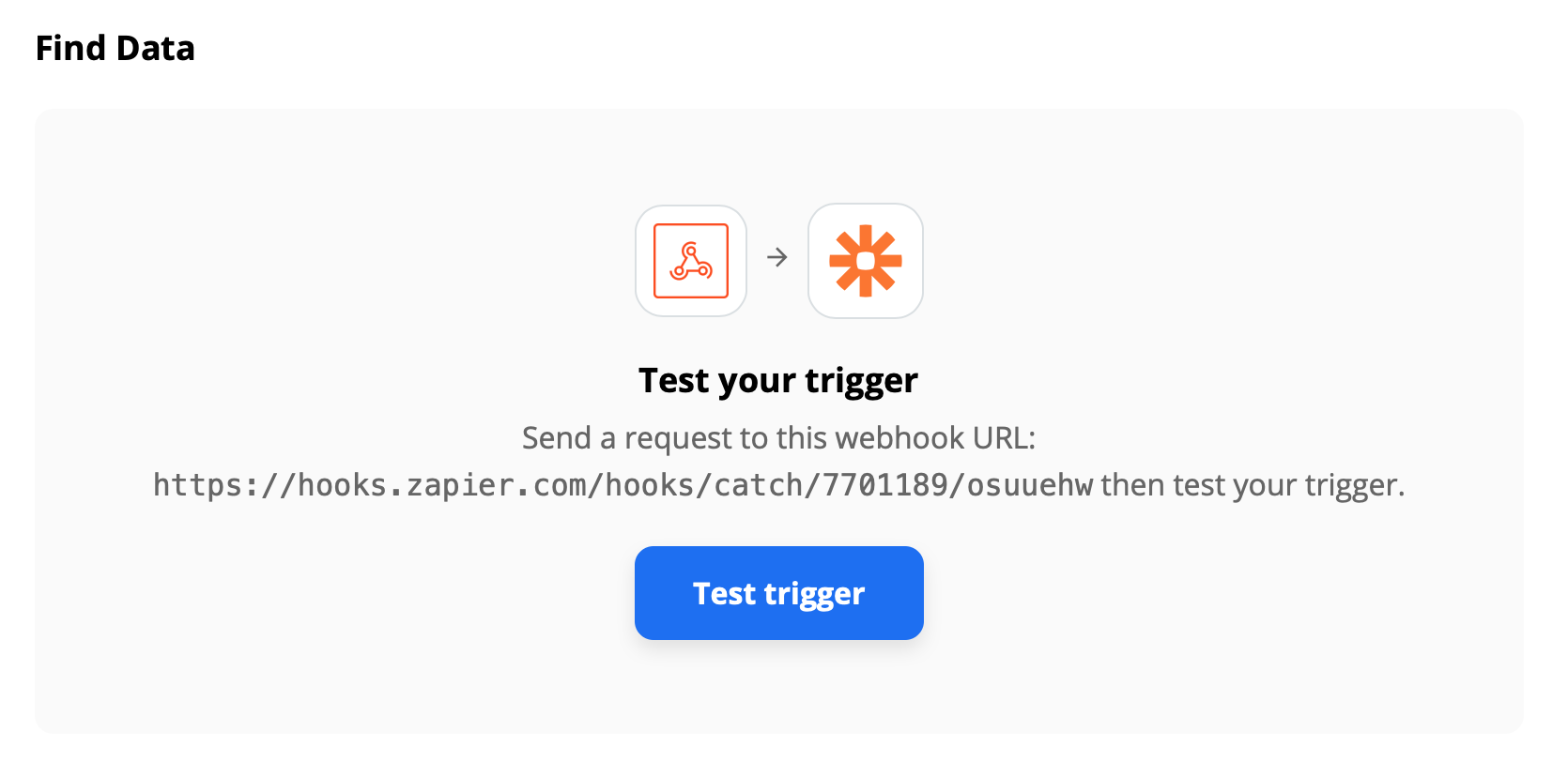
Then you should see the test payload:
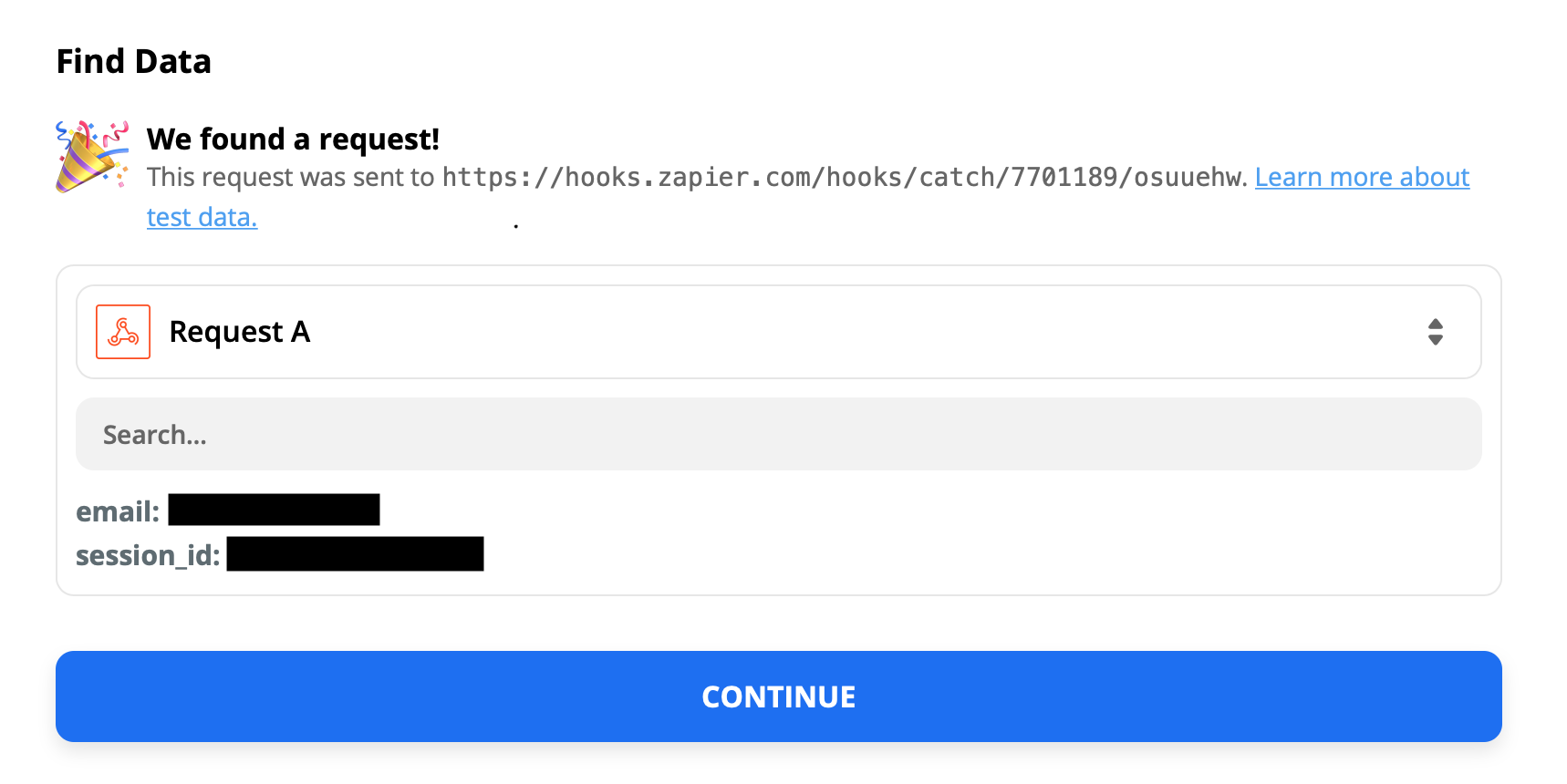
From there, you can use any of the fields in your Zapier workflow!