Reporting overview
Collective Audience™ provides a comprehensive reporting system available to all account types: publishers, advertisers, agencies, networks, and resellers. This tool gives every user insight into campaign delivery, audience engagement, and performance analytics.
📍 Accessing Reports
You can access the reporting tool directly from the main navigation menu by clicking on "Reports".
URL shortcut: https://desk.collectiveaudience.co/settings/reports
This view displays the list of reports associated with your current account, whether they were created by you or another user who shares access to the same account.
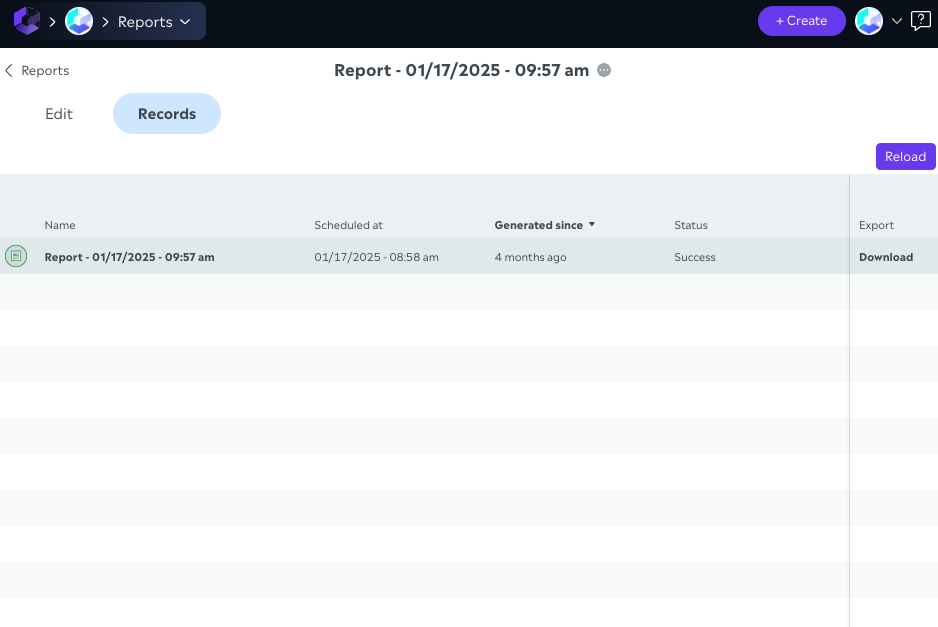
🗂️ Report List Overview
Once on the reports page, you'll find a table listing all available reports. This list offers the following features:
🔎 Filtering & Search
Recurrence filter: filter reports by type
once: one-time reports
recurring: automatically generated reports on a schedule
both: view all
Text search: a search bar allows you to look up reports by name
"Hide finished reports" toggle: lets you declutter the list by hiding reports that are no longer active or relevant.
📋 Report Attributes Displayed
Each row in the list provides key information:
Report Name
Creation Date
Last Updated
Report Type (detailed list of types coming soon)
Mode: once or recurring
Format: e.g., .xlsx, .csv, .json
Next Generation Date (for recurring reports or future generation for "Once" items)
➕ Creating a New Report
A "NEW" button is available in the top-right corner of the page. Clicking it opens the report creation editor, where you can configure:
The data source(s)
Filters and dimensions
Output type and optional password-protected ZIP delivery (→ reporting-new (#password-protect-export-optional))
Scheduling and transfers options
👉 The next section of this documentation will walk you through the report creation workflow step-by-step.