Running SDK diagnostics
If you want to check if the SDK is installed correctly, there's a little diagnostics tool you can use.
Installation
Drag the following link in your bookmarks bar:
<a href="javascript:(function(d,s)%7Bs=d.createElement(s);s.src=%22https://widget.collectiveaudience.co/diagnostics.js%22;d.body.appendChild(s)%7D)(document,%22script%22);"> <strong>Collective Audience™ Diagnostics</strong> </a>
Usage
When on your page, click on the bookmarklet, and a box will show up with the diagnostics report.
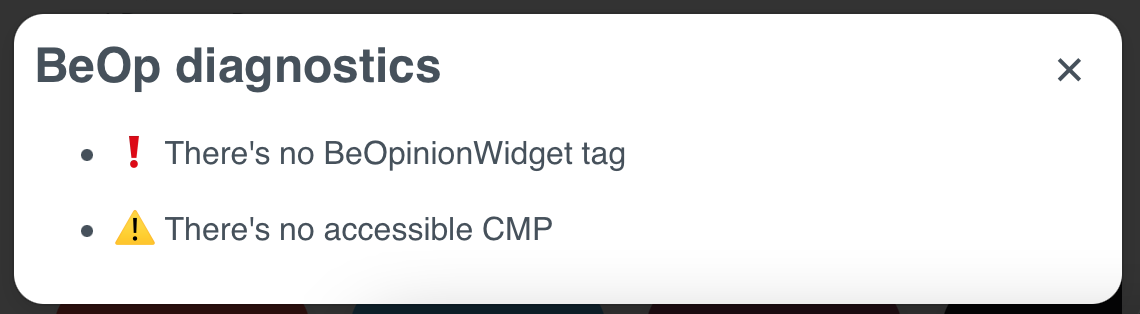
✅means that everything is ok
⚠️ is a warning, report items with this icon do not block the SDK from running
❗️means that something prevents the SDK from displaying a widget
If the box tells you that everything looks ok, contact us with a link to your page.